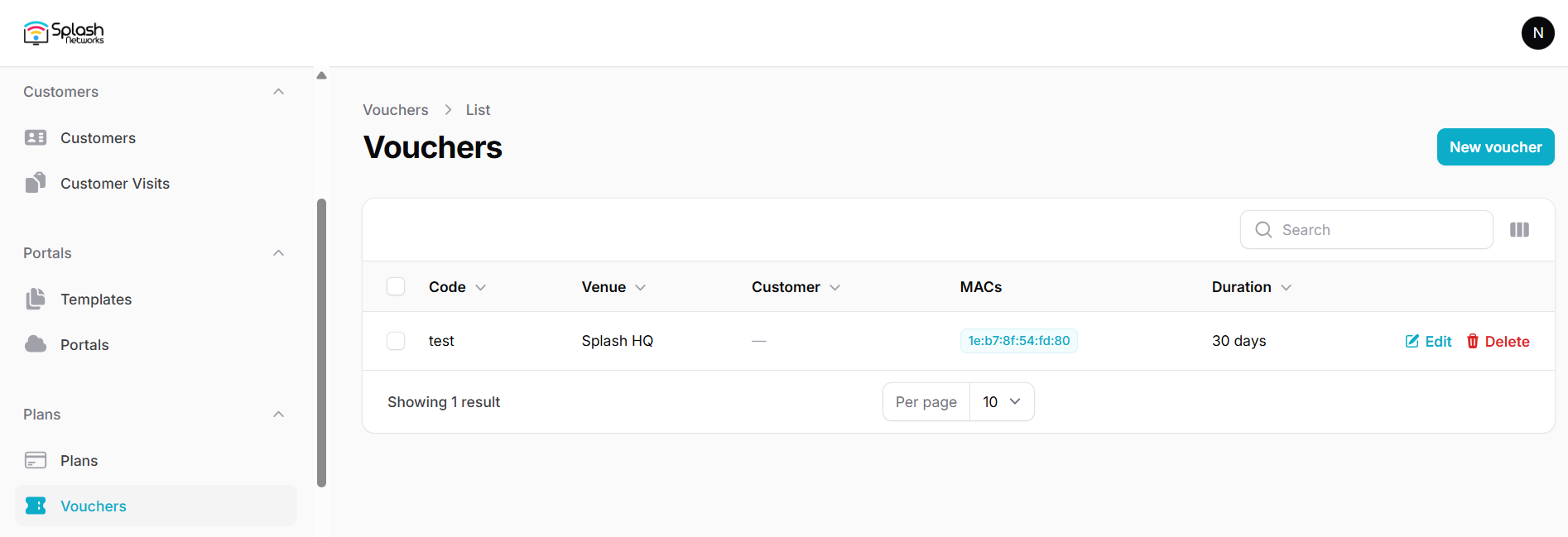
Vouchers
To create vouchers go to Vouchers and create a new voucher.
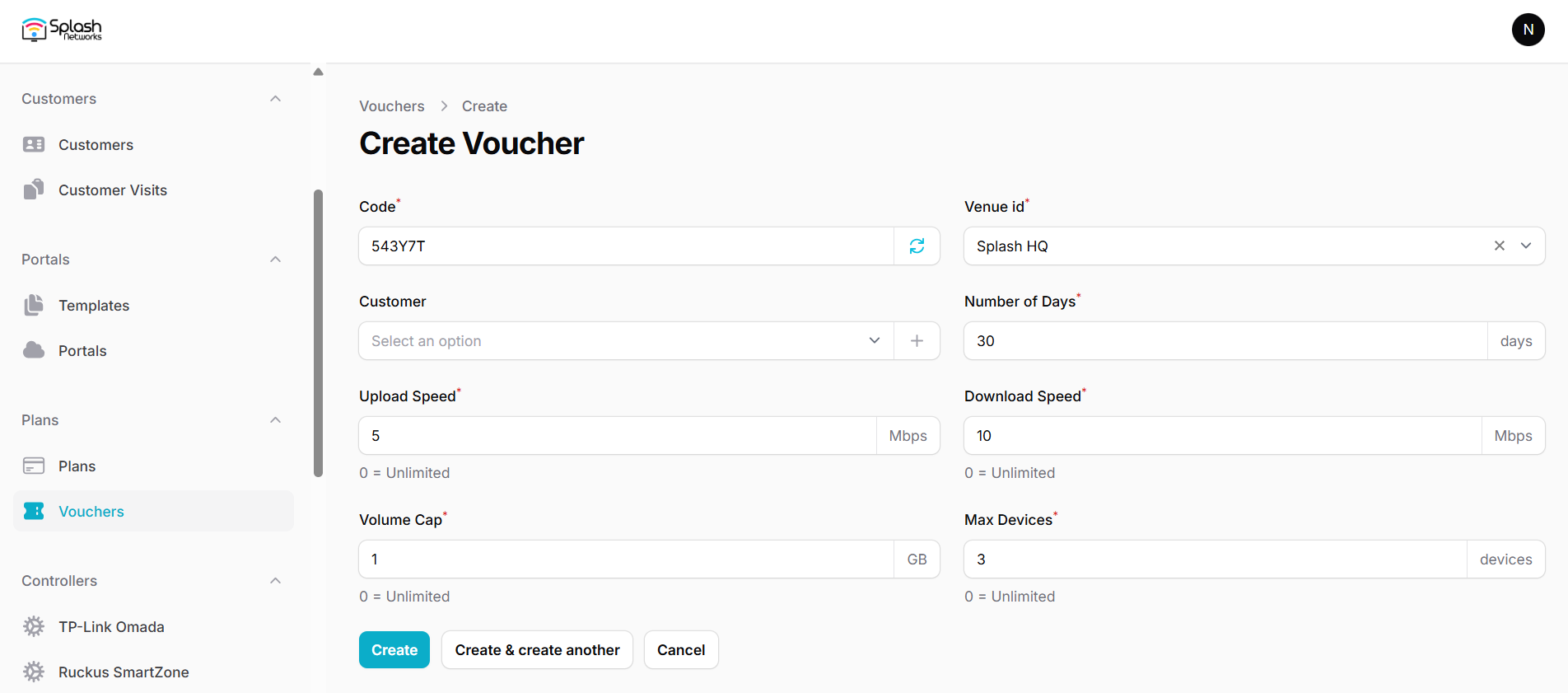
Enter the following parameters for it:
- Name: a name to identify the plan
- Code: it is auto-generated; you can manually enter a code as well
- Venue ID: the venue on which this voucher will work
- Customer: a voucher can be associated with an existing or new customer to email the voucher to the customer using an automation
- Number of Days: the duration for which the plan will be active after purchase
- Upload Speed: bandwidth rate-limit for upload
- Download Speed: bandwidth rate-limit for download
- Volume Cap: volume quota*
- Max Devices: number of devices allowed for a user
*Note on volume quota: volume quota is calculated when a user connects. It does not affect a user's existing session. If a user exceeds their plan's volume they will not be able to connect the next time they attempt to connect.
Once a voucher is used on a device the device's MAC address is bound to the voucher. After the Max Devices is reached the voucher will not be usable on any other device.